Reconcile in Minutes
Import your statement, tag and match transactions, and finalize with confidence—built for Philippine SMEs and accountants
How it Works
Oojeema’s Bank Reconciliation helps you match your bank statement to your books quickly. Import your statement, tag and match transactions, watch the difference until it closes, and finalize with confidence—no complex setup, no spreadsheets
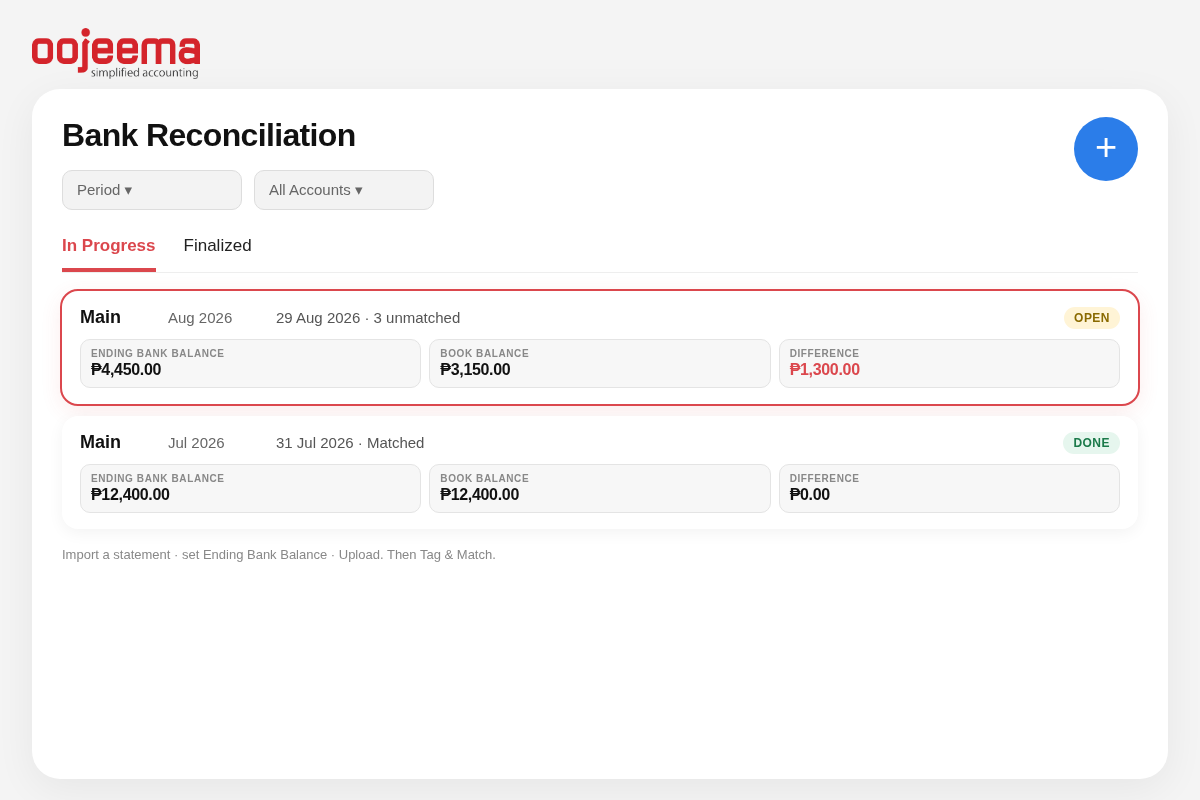
Import
Paste your bank export into our CSV and upload. Clean import, ready in minutes for tagging, matching, and reconciliation.
Tag & Match
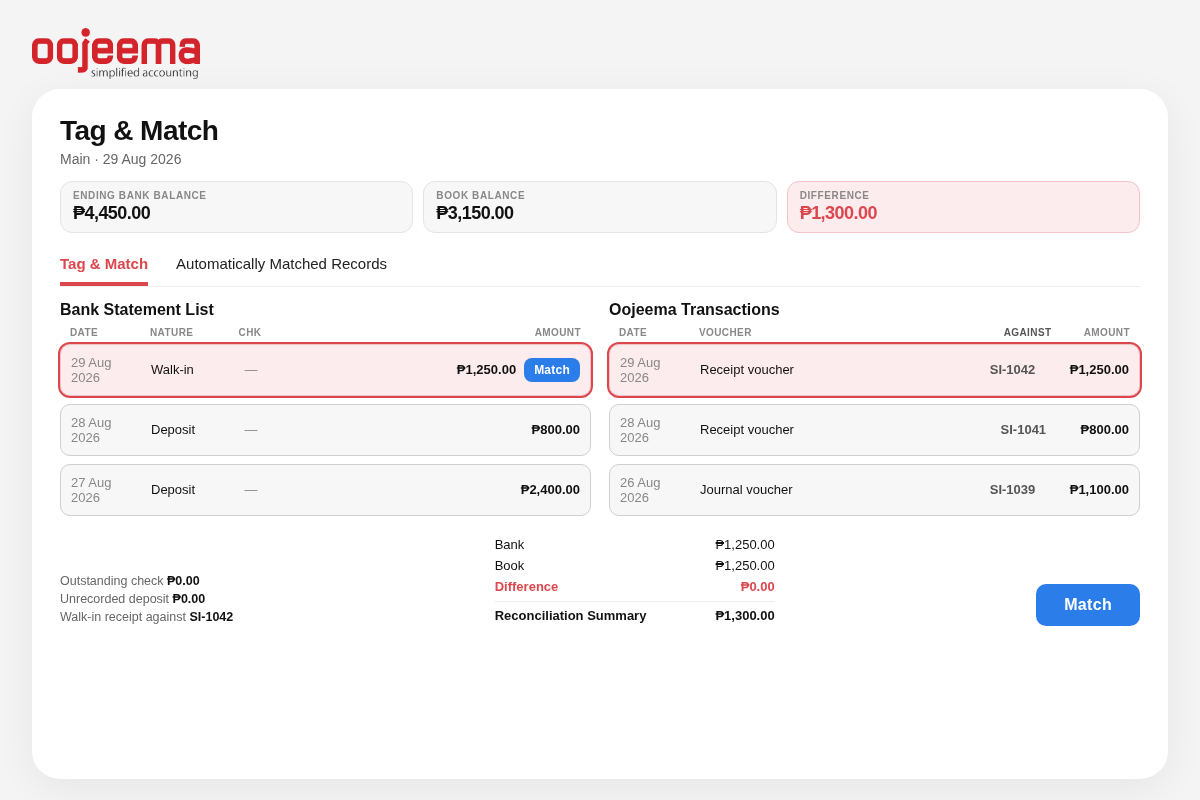
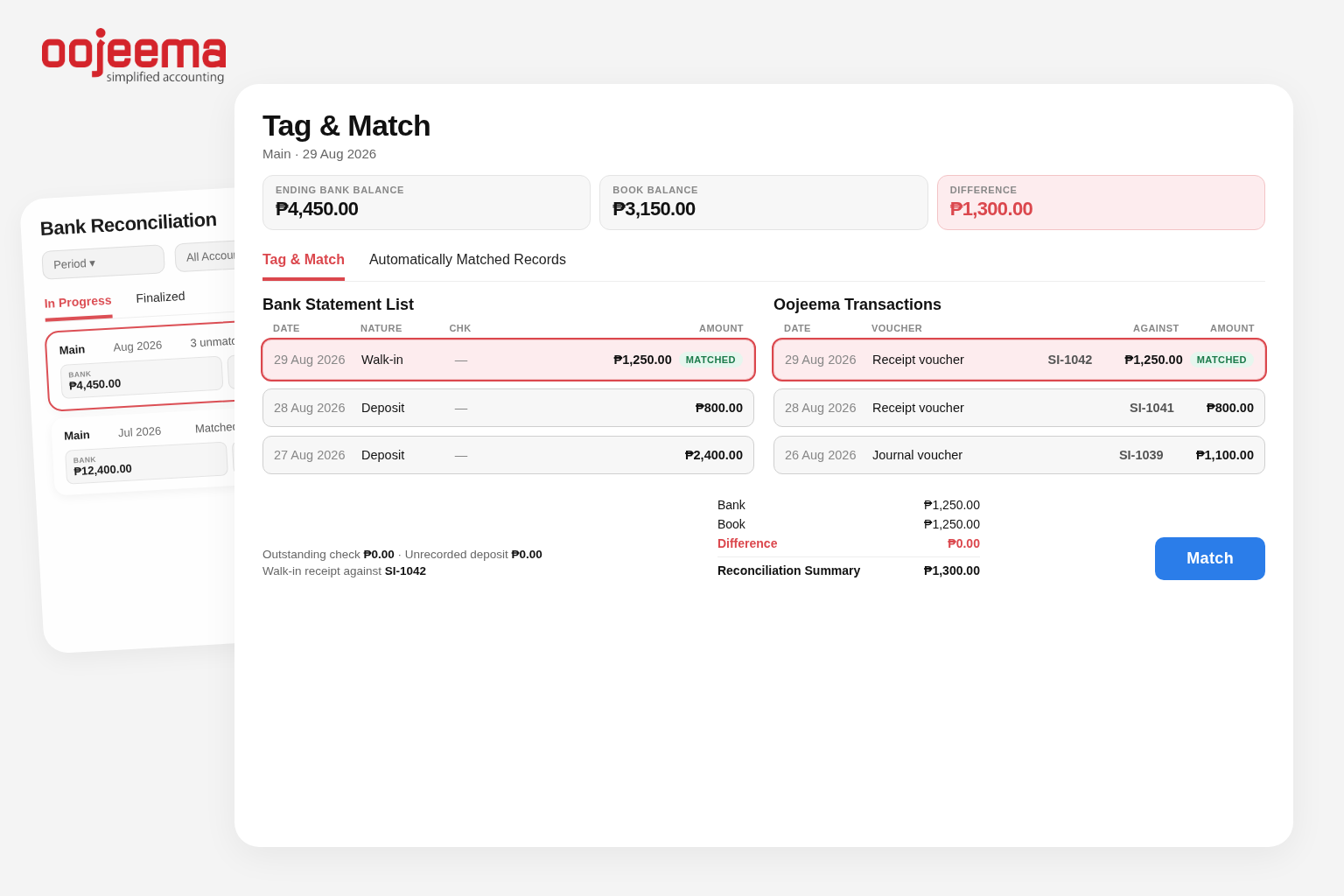
Tag and match each bank line in a few clicks. Split fees, merge entries, or adjust details while Auto-Matched clears the easy wins.
Difference
Bank vs book until it closes. See the remaining difference as you match, until bank and books agree.
Finalize
When the difference hits zero, finalize with a click. Your reconciliation is preserved with timestamps and users—ready for review anytime
A smarter way to do Bank Reconciliation
See whether bank and books agree
Compare your bank statement with your books to know whether the bank and books agree—no guesswork.
Match deposits and expenses faster
Import your bank statement and use Tag & Match plus Automatically Matched Records to clear items in minutes.
Surface unusual transactions and missing entries
Unusual withdrawals or unfamiliar transactions stand out when you reconcile regularly.
Cleaner books, smoother closes
Keep cash balances reconciled before month-end review.
Catch Duplicates & Missed Entries
Spot unrecorded bank charges, interest income, NSF/returned checks, or duplicate postings before they snowball.
Speed up collections
Identify customer payments that hit the bank but aren’t tagged to invoices yet, so you can apply them and follow up on real overdue items.
How does Oojeema Bank Reconciliation help PH MSMEs ?
For Philippine businesses, Oojeema Bank Recon helps you identify customer deposits that still need to be applied. Auto-match bank deposits and surface missing payments so you can see whether bank balance and book balance agree
Plans That Fit Your Business—And Your Tax Deadlines
UNLIMITED USERS included so you can invite your whole team with role-based access
LITE
490
₱
per month
For Starting MSMEs
- Up to 8 transactions/month
- Core reports + cash view
- BIR forms + DAT exports
PRO
Most Popular
1,120
₱
per month
Best for Growing Teams
- Unlimited transactions
- Everything in Lite included
- Faster month-end workflow
PREMIUM
2,800
₱
per month
Inventory features included
- Inventory + COGS tracking
- Stock movement + adjustments
- Returns supported
Got questions?
We’ve got the answers
What BIR Reports or Forms are supported?
– All the books of accounts:
Sales Journal, Purchase Journal, Cash Receipt Journal, Cash Disbursement Journal, General Ledger, and General Journal.
– SLS/SLP (Sales RELIEF and Purcahse RELIEF) including automated DAT file generation.
– 2551Q(Quarterly Percentage Tax Return).
– 0619E(Monthly Remittance Return of Expanded Creditable Tax Withheld).
– 1601EQ (Quarterly Remittance Return of Expanded Creditable Income Taxes Withheld).
– 1604E (Annual Information Return of Expanded Creditable Income Taxes Withheld/Income Payments Exempt from Withholding Tax).
– Quarterly Alphalist of Payees (QAP).
– Summary Alphalist of Withholding Tax (SAWT).
Is this a Cloud-based software?
Do you offer free trials?
Yes, you can sign up for a free 14-day trial account by clicking the try now or sign-up buttons.
Do you have demos or tutorials I can use?
For our User Guides, you can visit https://resources.oojeema.com
What's the difference between the Pro and Premium plans?
You can check out the comparison between Pro and Premium by visiting https://www.oojeema.com/pricing
Is Oojeema EOPT-Compliant?
Yes, Oojeema has been updated to comply with the EOPT Law. You can read about the specific EOPT update here.