Switching from Xero? Here's how to move your books to Oojeema
Is this page for you?
This guide is for Philippine businesses and bookkeepers using Xero who want:
- their BIR books of accounts and forms to come from the same records as their invoices;
- withholding tax computed on the invoice, with the 2307 printed from the same entry;
- pricing in pesos, with as many users as the company needs.
If your current setup works for you, that’s fine. Use this page as a checklist for when you’re ready.
The facts, side by side
| Xero (Philippines) | Oojeema | |
|---|---|---|
| Billing currency | USD (xero.com/ph/pricing-plans, read 20 Oct 2026) | Philippine pesos |
| Monthly price, main plans | US$29 to US$75 a month (about ₱1,829 to ₱4,730) ₱63.07/US$1, BSP 19 Oct 2026; xero.com/ph/pricing-plans | Pro ₱1,120, Premium ₱2,800, per company |
| Pricing for more than one company | Each company is a separate subscription Xero Central | One subscription per company, unlimited users on each |
| Users | Unlimited users, free on any plan (xero.com/ph/versus/quickbooks-alternative, read 20 Oct 2026) | Unlimited users on every plan, no per-seat fee. Free access for your accountant |
| Free trial | 30 days (xero.com/ph/pricing-plans) | 14 days, no credit card needed |
Xero facts are quoted from Xero’s own pages on the date shown. Check them again before you decide; prices can change.
Built around BIR books and forms
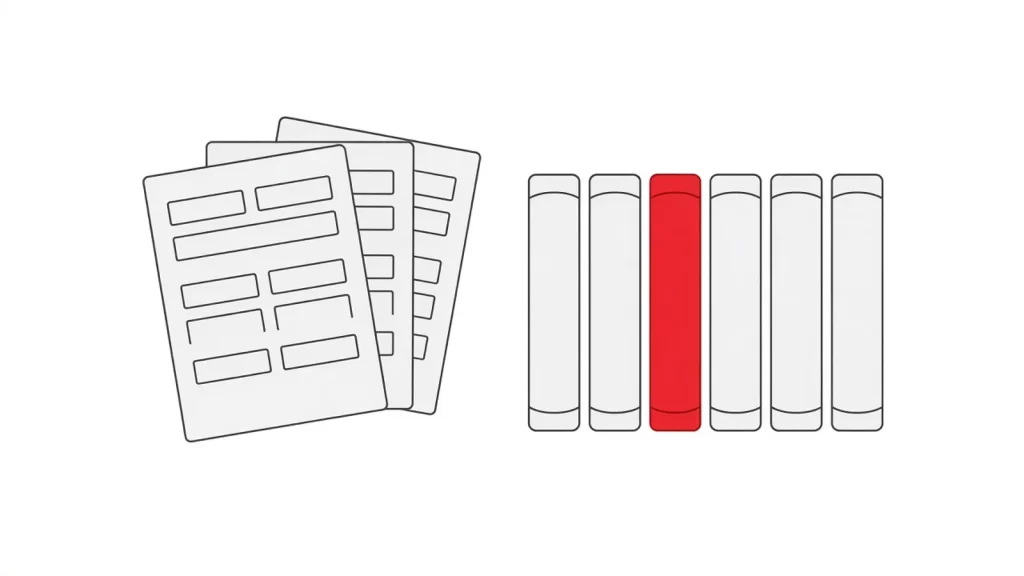
- BIR compliant books of accounts from your daily records: Sales Journal, Purchase Journal, Cash Receipt Journal, Cash Disbursement Journal, General Journal and General Ledger.
- Withholding on the invoice itself. Pick the ATC and enter the base, and VAT and CWT calculate when you save. More than one withholding rate on one transaction works too, like rent at 5% and CUSA at 2%.
- Form 2307 printed from the purchase or expense where you withheld, with names, TINs and amounts filled in.
- BIR forms prepared from your records: 2550Q, 2551Q, 0619-E, 1601-EQ and 1604-E. You or your accountant review and file.
- SLS/SLP, SAWT and QAP as DAT files from posted transactions, with a guide to checking them in BIR’s validation module.
- CAS-ready, with help on the software-provider side of your CAS papers. EIS ready for the e-invoicing shift.
Moving over in five steps
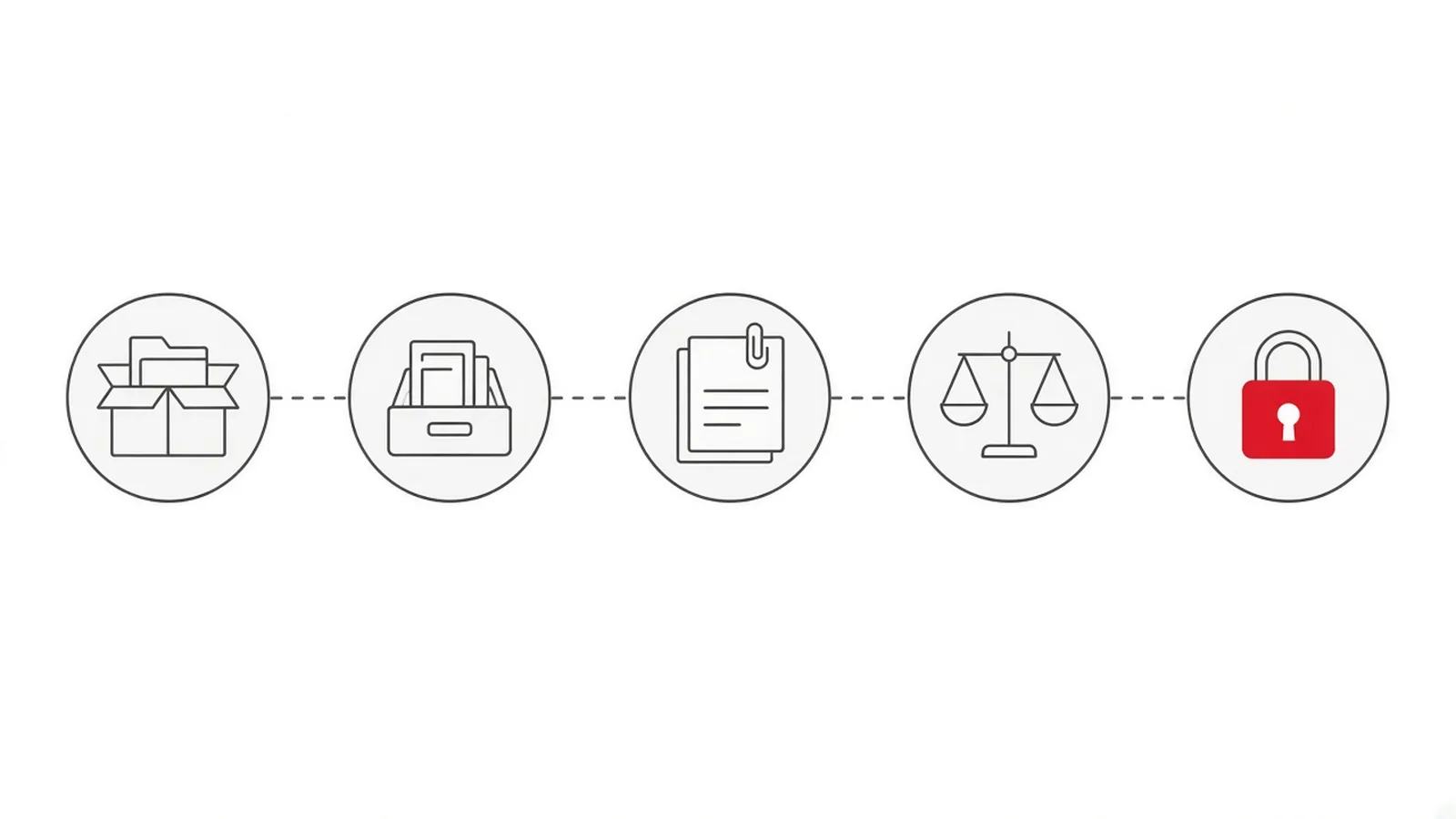
Pick a clean cut-over date first, ideally a month-end or quarter-end. Then follow the steps in order.
Step 1. Export your lists and balances from Xero
Export your contacts, your items, a trial balance as at your cut-over date, and your open (unpaid) invoices and bills. Xero Central explains each export.
Step 2. Bring in customers, vendors and items
Oojeema has import templates for customers, vendors and items. Download each template from Settings, paste your exported data in, and import.
Step 3. Bring in your open invoices and bills
Use the import templates for sales invoices, billing invoices, purchases and expenses. Start with what’s still unpaid on your cut-over date.
Step 4. Enter your opening balances
Import your opening trial balance as a journal voucher. On Premium, set your inventory beginning balances too.
Step 5. Tie out, then lock
Check that your trial balance, receivables and payables match your Xero figures as at the cut-over date. Then set a lock date, so no one can add or edit entries on or before it.
The BIR side of switching
A new system can mean new BIR paperwork. Register your books for the new system through ORUS. If your business is covered by e-invoicing, apply for a PTI that names the system you’ll actually use. Changing systems after that needs a new or amended PTI.
Stuck on a step? Our written guides and video tutorials cover each import, and real people answer support questions.
What your first month looks like
- Week 1: record new sales and purchases in Oojeema. Keep Xero open read-only for reference.
- By month-end: run your Sales Journal and Purchase Journal and check them against your source documents.
- Quarter-end: prepare your 2550Q or 2551Q and your DAT files from the same records, then review them with your accountant before filing.
- Invite your accountant from Settings. Their access is free.
Switching questions
How many users can we have?
As many as you need, on Lite, Pro and Premium. One subscription covers one company. Another company is another subscription.
Can my accountant work in our books?
Yes. Invite them from Settings. Accountant access is free, and if they already use Oojeema for other clients, they log in with the same account.
Which BIR forms does Oojeema prepare?
2307, 2550M/2550Q, 2551Q, 0619-E, 1601-EQ and 1604-E, plus QAP, SAWT and SLS/SLP DAT files, and the six books of accounts. You or your accountant review and file.
Can I bring my history?
Bring your lists, your open invoices and bills, and opening balances as at your cut-over date. That gives you clean books from day one. Keep your Xero reports for earlier periods.
Is Oojeema ready for e-invoicing?
Oojeema is EIS ready. See how Oojeema handles BIR e-invoicing.
Try it with one month of your own data
Import your lists and one month of transactions and see your books and forms come together. Free for 14 days, no credit card needed. Pro starts at ₱1,120 a month, with unlimited users on one company.
Sources: Xero PH pricing plans and Xero PH pricing update (both read 20 Oct 2026); Oojeema pricing (read 20 Oct 2026); RMC 98-2026 §IV.12.
